Atlas – University Student Platform
- Built and deployed a university-verified student platform gated behind institutional email authentication, with dynamic per-school theming driven by email domain detection.
- Designed and migrated a PostgreSQL schema across 26+ migrations, loading 6,700+ Western course records; implemented real-time course chat and row-level security policies.
- Engineered a syllabus parsing pipeline (Claude Haiku) that extracts deadlines from uploaded PDFs and auto-populates a calendar at approximately $0.006 per parse.
- Shipped weighted GPA tracking, flashcards, a PDF formula sheet generator, an algorithmic study block scheduler, and an installable PWA, architected on serverless infrastructure running at $0/month.
Atlas, running live
Atlas, built and running. The landing page is public. The dashboard sits behind institutional email authentication.
Try it without an account. The homepage has a demo button, before any sign-in. It opens the full dashboard: calendar, grade log, notes, AI study blocks and course chat.
SmartIcs – AI-Powered Study Planner
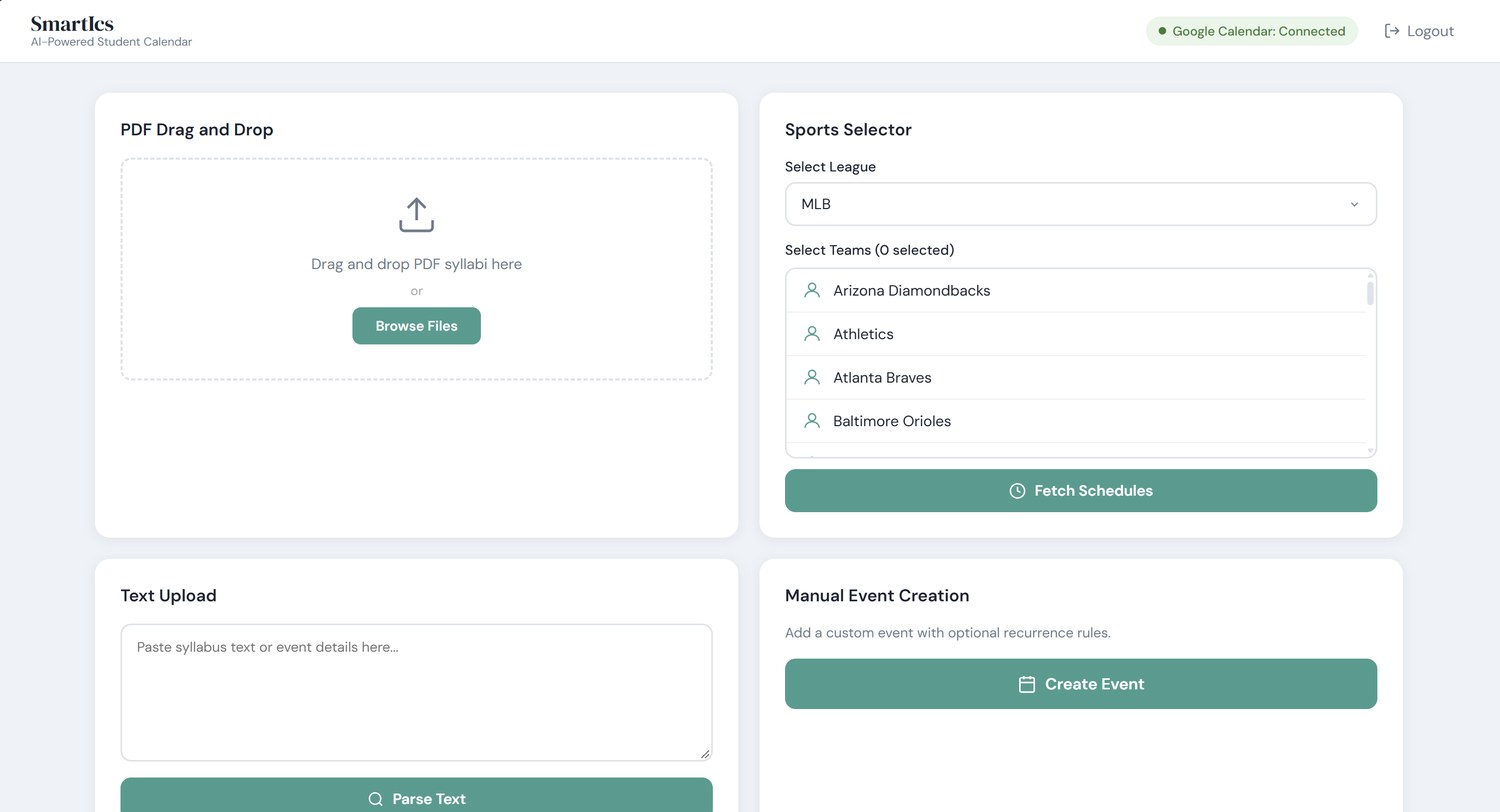
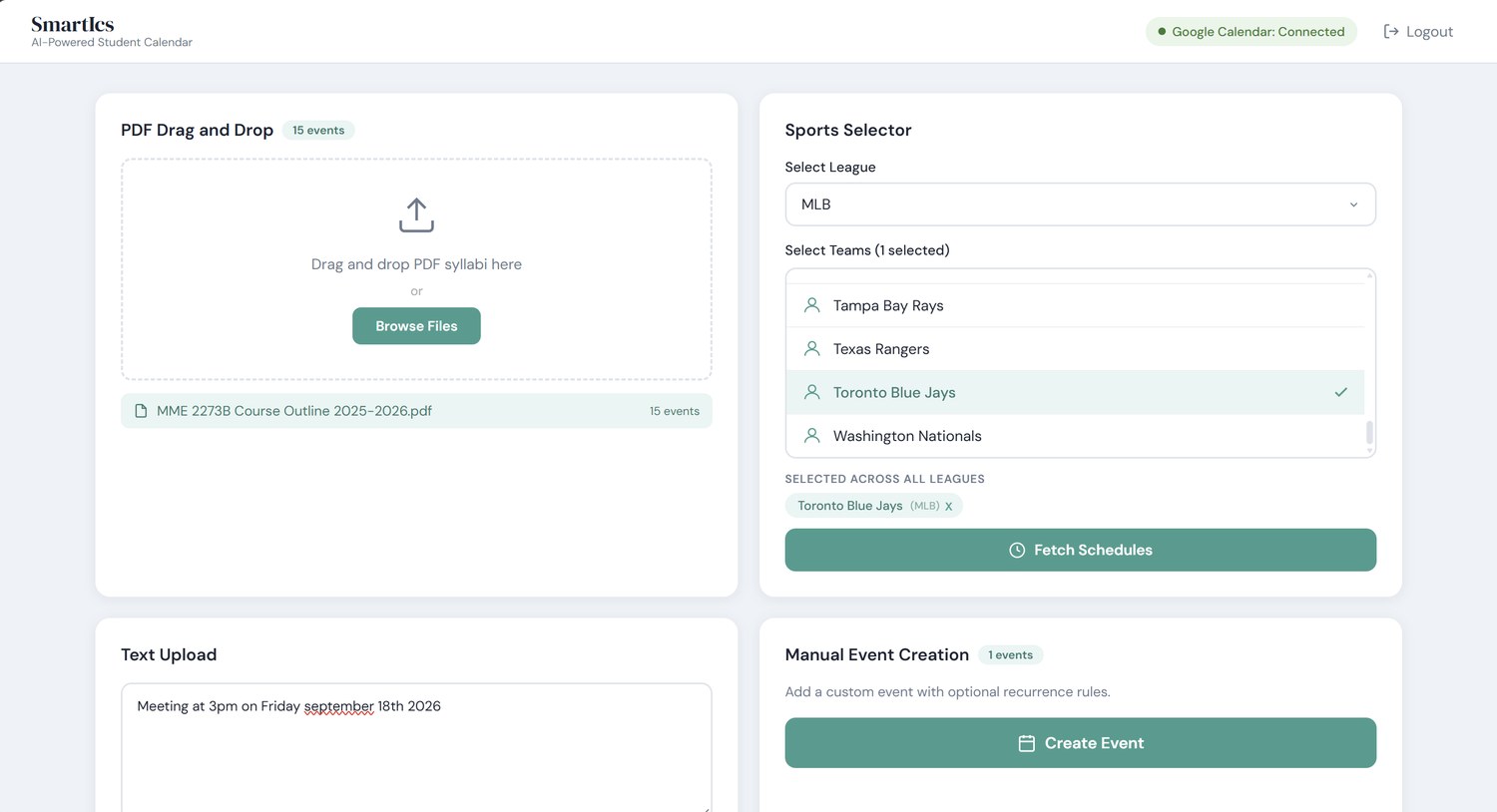
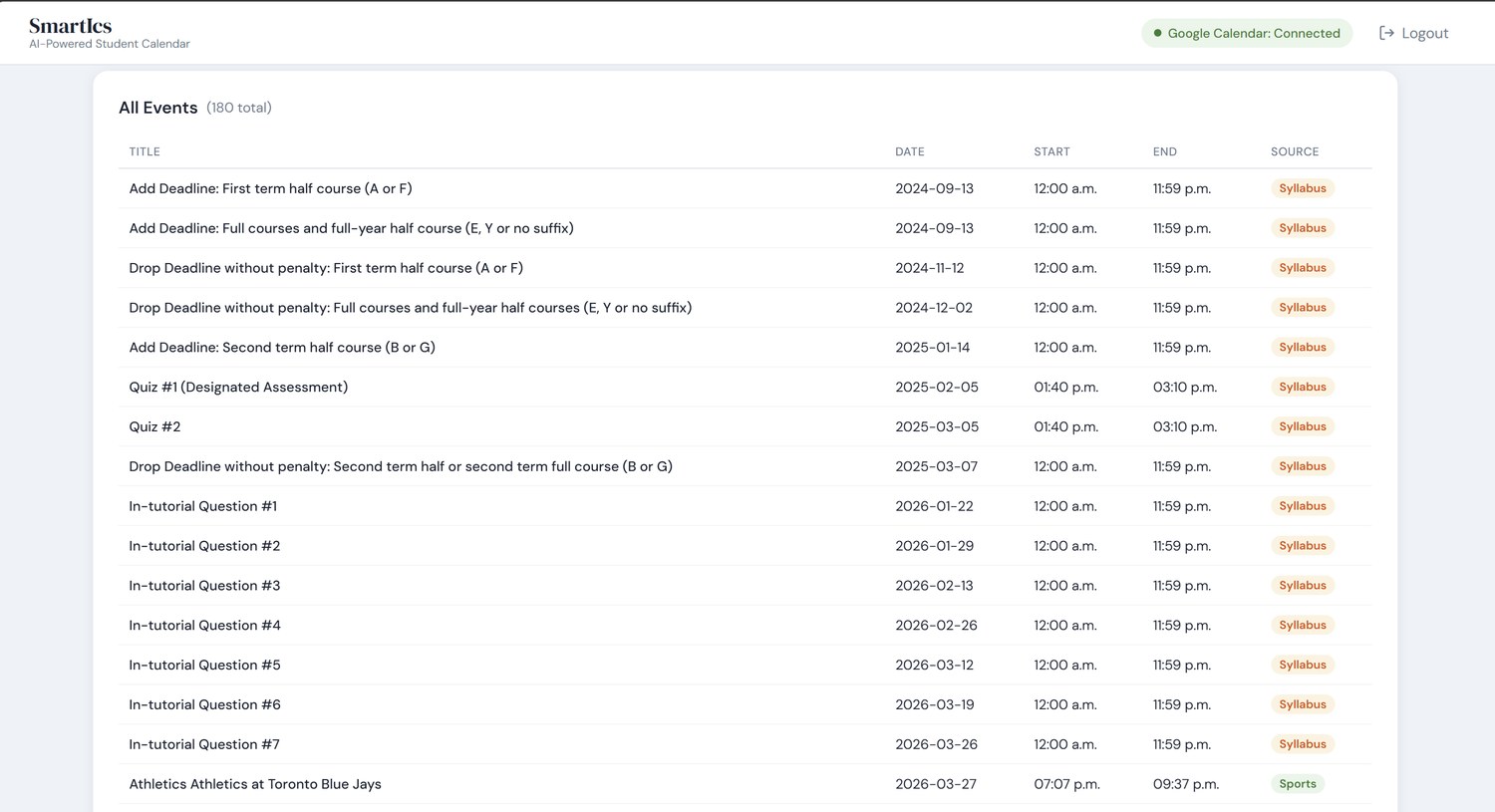
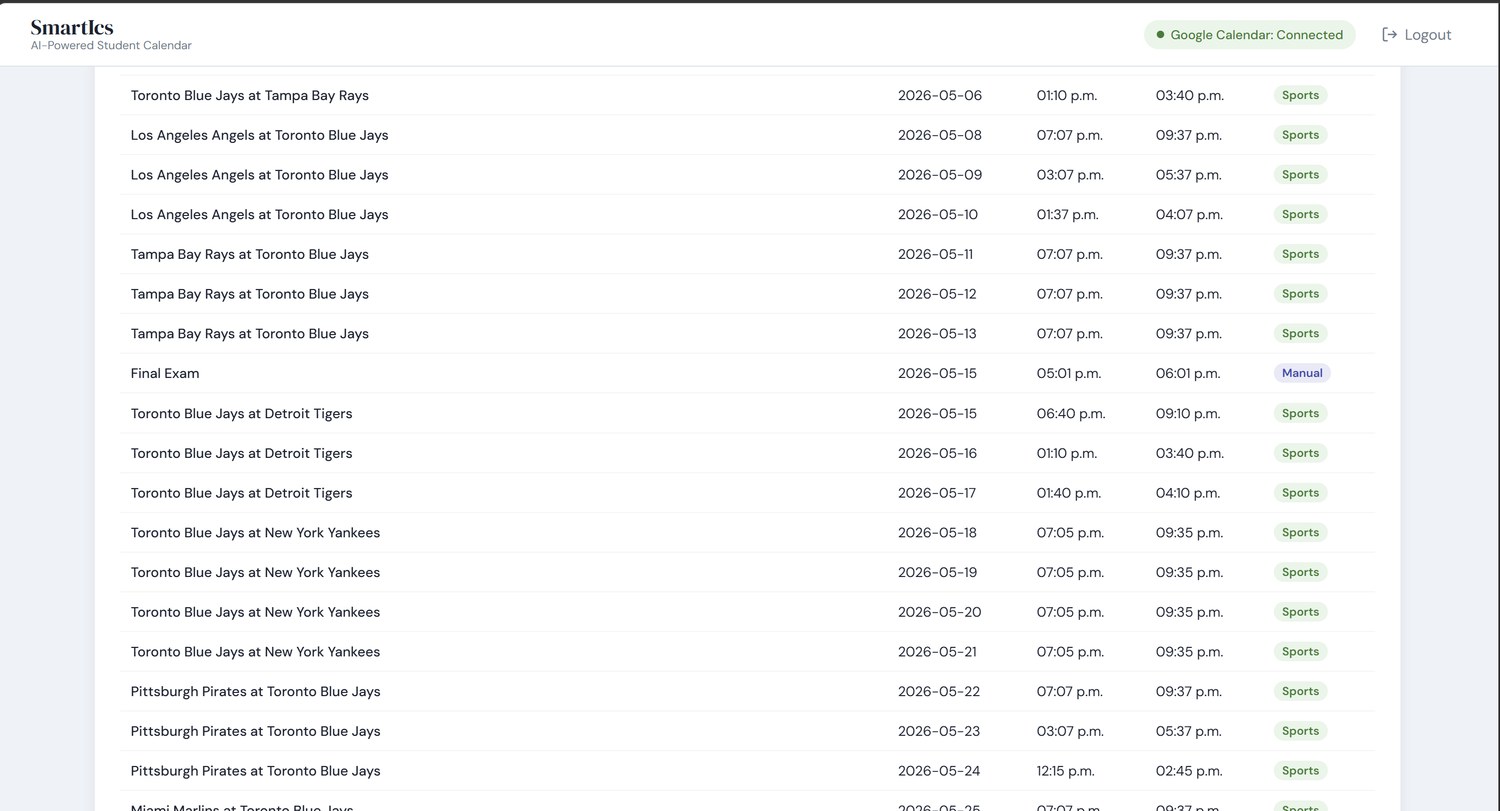
- Built and deployed a Flask web application that parses uploaded syllabi with the Gemini API, pulls a selected team’s season schedule from TheSportsDB, and generates a personalized study calendar around both.
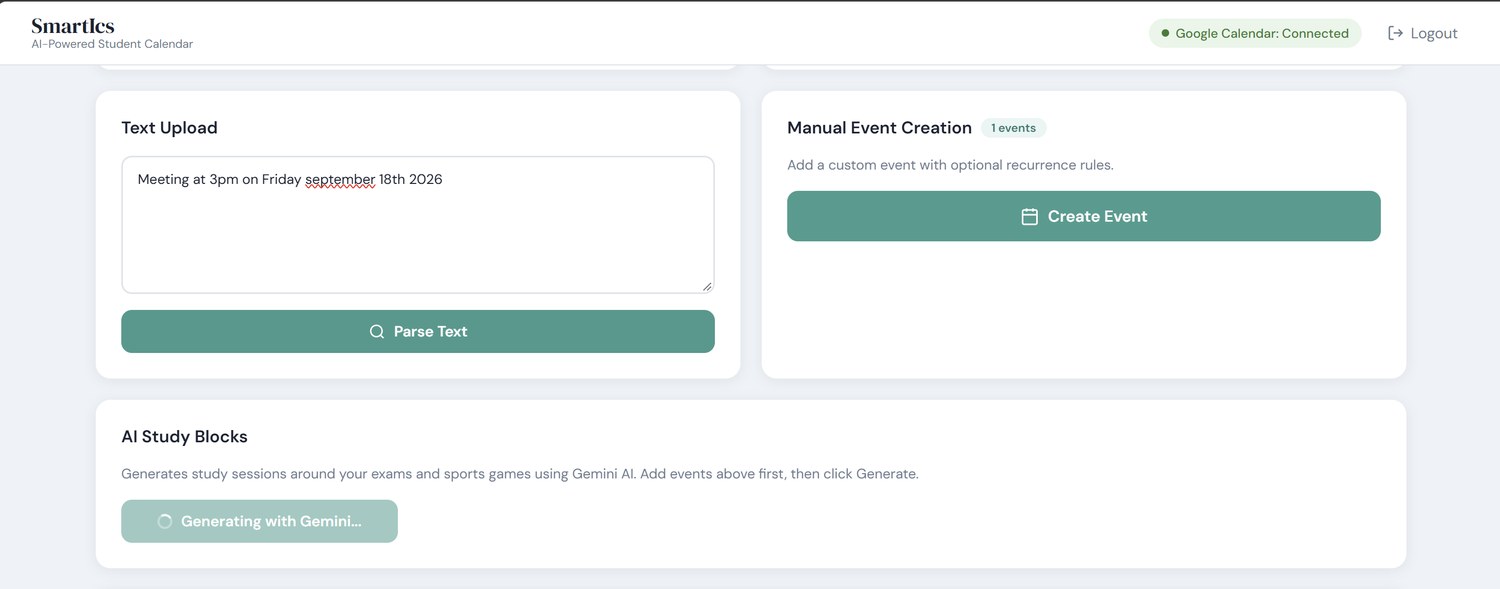
- Designed a Gemini-powered study block generator scheduling 2–3 hours of daily study starting 7 days before exams, escalating to 5–6 hour sessions the final 2 days while avoiding conflicts with games; implemented Google Calendar OAuth2 to push color-coded events to a live calendar.
Google Calendar is connected first.
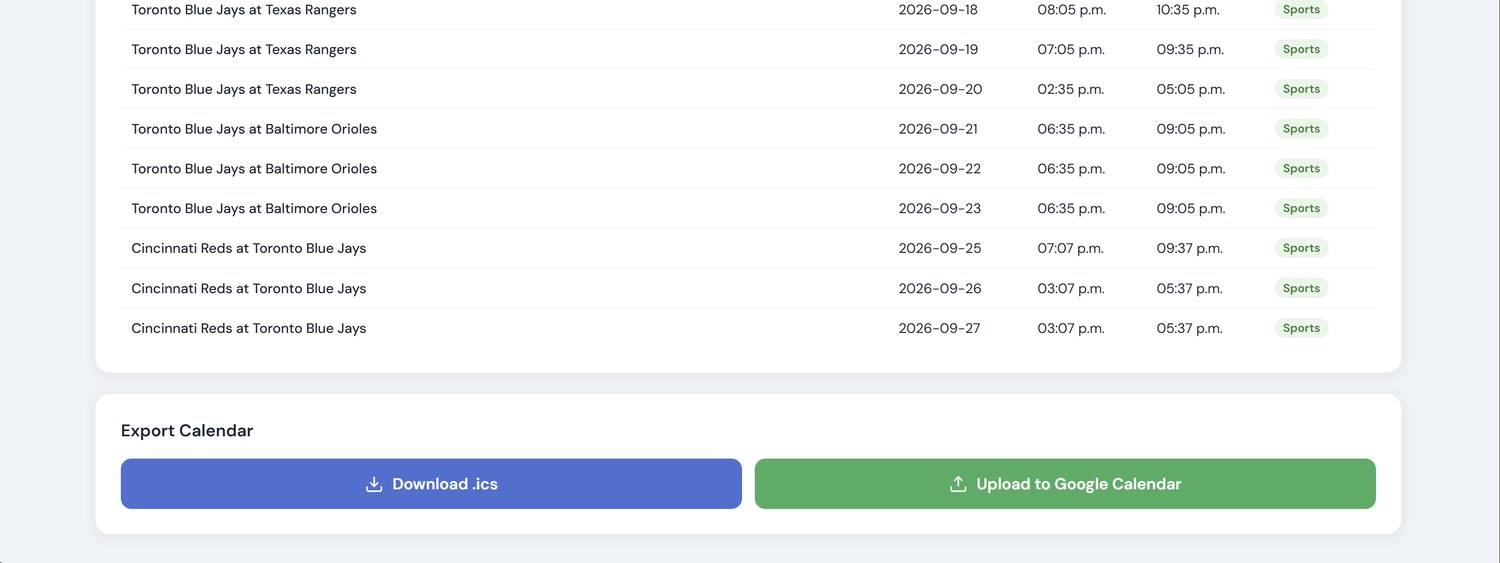
The app asks for calendar access through Google Calendar OAuth2 at sign-in. Everything after that
depends on it, including the button at the end that writes every event straight into the
calendar.
How it works, start to finish